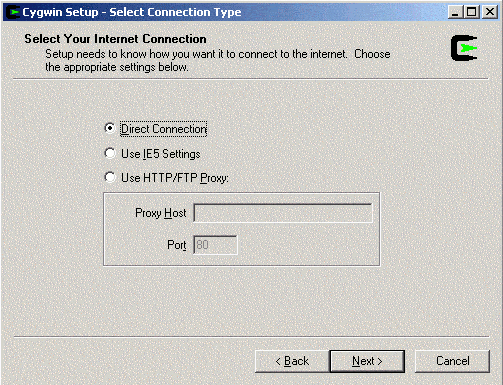
Select your Internet connection type:
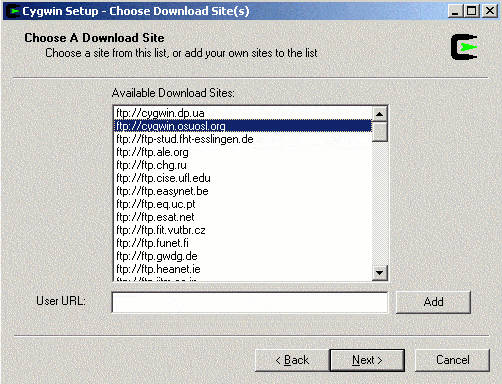
Choose the closest, most available download site:
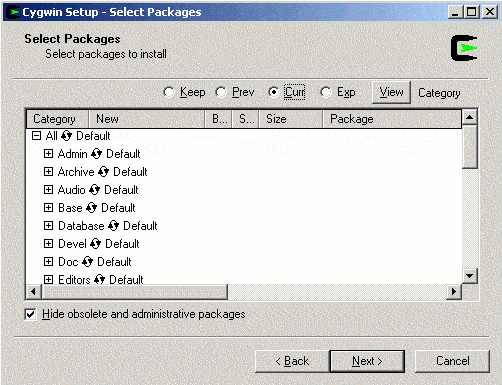
When the packages are finished downloading, you will see a screen like this:
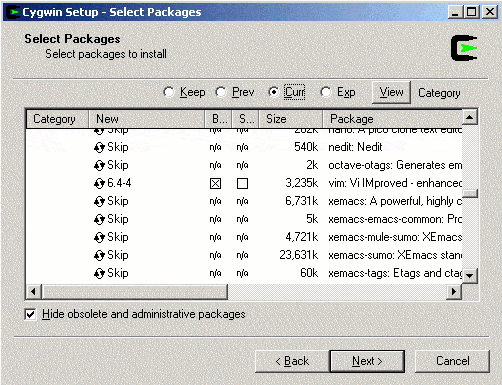
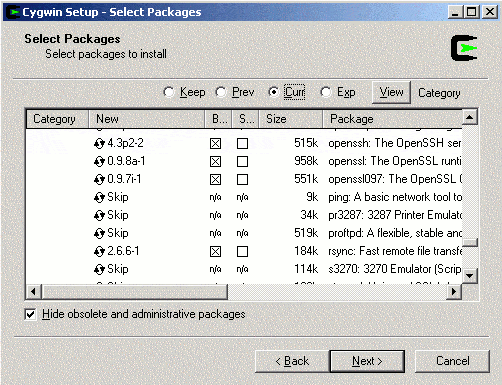
Scroll down, expand the net section, and put an x through the binary box of openssh and rsync by clicking on the Skip cycle arrows. This will also automatically install dependencies:
Expand the edit section, and put an x through vim: