Geronimo is an open-source, certified J2EE server. The installation is really quite simple. The first thing we did was to make sure we had the latest Sun JDK from here and got rid of our included GCC Java:
# rpm -e java-1.4.2-gcj-compat-1.4.2.0-27jpp # rpm -e gcc-java-3.4.3-22.1 [root@srv-1 java]# ls jdk-1_5_0_05-linux-i586-rpm.bin jre-1_5_0_04-linux-i586.rpm jre-1_5_0_04-linux-i586-rpm.bin [root@srv-1 java]# chmod 700 jdk-1_5_0_05-linux-i586-rpm.bin [root@srv-1 java]# ./jdk-1_5_0_05-linux-i586-rpm.bin Sun Microsystems, Inc. Binary Code License Agreement . . . Do you agree to the above license terms? [yes or no] yes Unpacking... Checksumming... 0 0 Extracting... UnZipSFX 5.42 of 14 January 2001, by Info-ZIP (Zip-Bugs@lists.wku.edu). inflating: jdk-1_5_0_05-linux-i586.rpm Preparing... ########################################### [100%] 1:jdk ########################################### [100%] Done. [root@srv-1 java]# |
The next step is to grab the Geronimo package and extract it:
[root@srv-1 bin]# [root@srv-1 ger]# tar -xzf geronimo-1.0-M5.tar.gz [root@srv-1 ger]# ls geronimo-1.0-M4 geronimo-1.0-M5 geronimo-1.0-M4.tar.gz geronimo-1.0-M5.tar.gz [root@srv-1 ger]# cd geronimo-1.0-M5 [root@srv-1 geronimo-1.0-M5]# |
Let’s start up the server:
[root@srv-1 geronimo-1.0-M5]# java -jar bin/server.jar Booting Geronimo Kernel (in Java 1.5.0_05)... Starting Geronimo Application Server [*****************] 100% 31s Startup complete Listening on Ports: 1099 0.0.0.0 RMI Naming 1527 0.0.0.0 Derby Connector 4201 0.0.0.0 ActiveIO Connector EJB 4242 0.0.0.0 Remote Login Listener 8019 0.0.0.0 Tomcat Connector AJP 8080 0.0.0.0 Jetty Connector HTTP 8090 0.0.0.0 Tomcat Connector HTTP 8443 0.0.0.0 Jetty Connector HTTPS 8453 0.0.0.0 Tomcat Connector HTTPS 61616 0.0.0.0 ActiveMQ Message Broker Connector Started Application Modules: EAR: org/apache/geronimo/Console/Jetty RAR: org/apache/geronimo/DefaultDatabase WAR: org/apache/geronimo/applications/Welcome/Jetty Web Applications: http://srv-1.example.com:8080/ http://srv-1.example.com:8080/console http://srv-1.example.com:8080/console-standard Geronimo Application Server started |
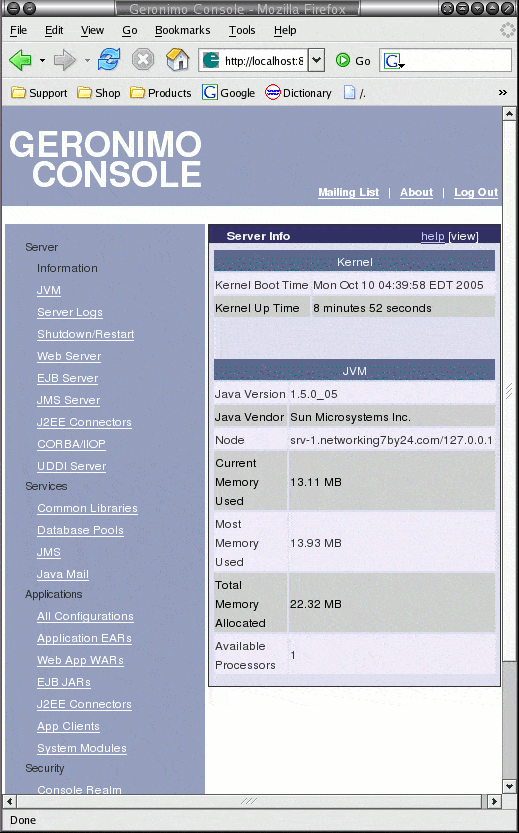
Version M5 has a nice administration console here:
http://localhost:8080/console/ |
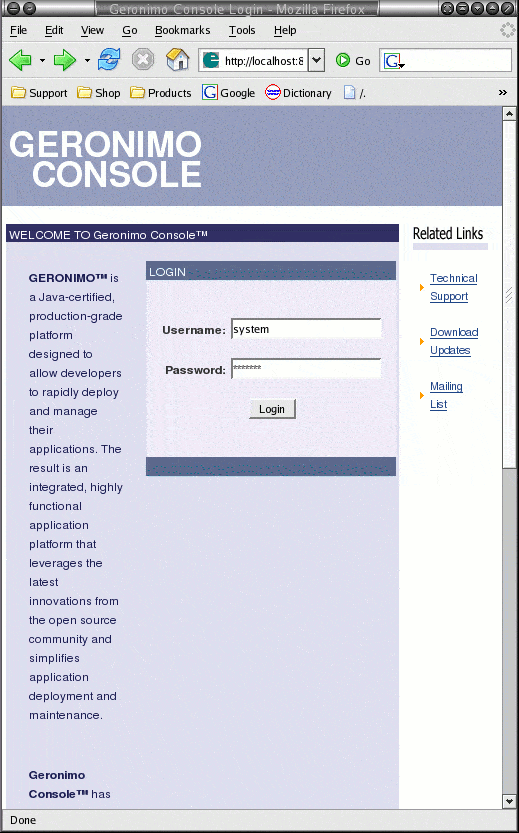
The default is Username=system, Password=manager.
Here is what the console looks like when logged on: