
You will see a dialog box saying the installation is complete:
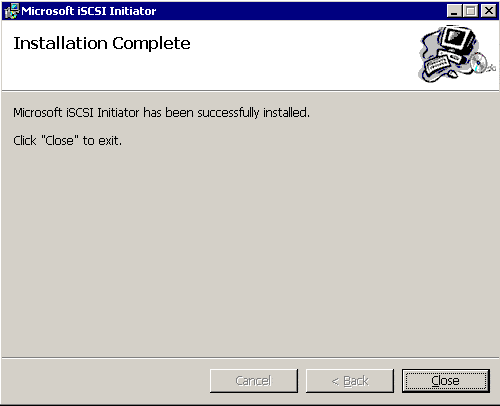
Click close. Open the Microsoft iSCSI Initiator program. There should be a shortcut on your desktop. If not, it is also in control panel. Open the Add Target Portal tab:
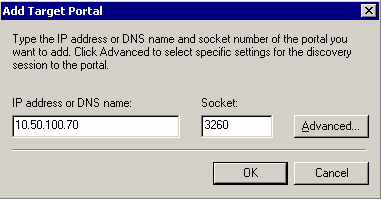
The server we want is at 10.50.100.70. Click on the advanced button:
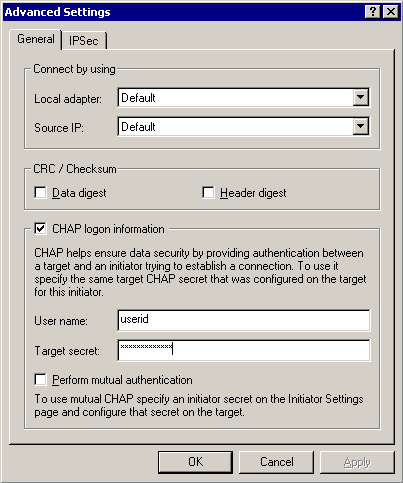
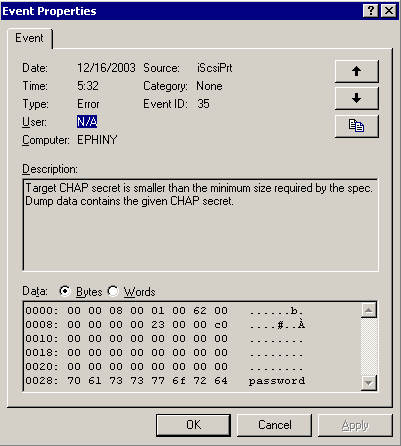
The user name and target secret should match set in /etc/ietd.conf on the GNU/Linux box,config. Note that the password needs to be 12 characters, or you will see this in event viewer, and authentication will fail:
Now, the target portals will show up on the tab:
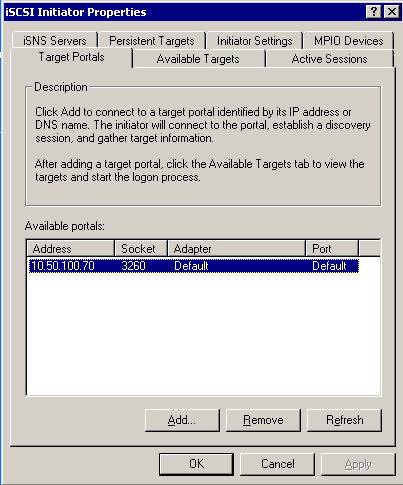
Click on the Available Targets tab.
There are 6 parts to this article:
Part 1 – Setting up the Target on GNU/Linux
Part 2 – Setting up a Windows Initiator – Initial Install
Part 3 – Setting up a Windows Initiator – Finish Install
Part 4 – Setting up a Windows Initiator – iSCSI Setup
Part 5 – Setting up a Windows Initiator – Creating the Drive
Part 6 – Setting up a Windows Initiator – Finishing Up




